

Setting Up Automated Scanning Workflows
Learn how to configure automatic receipt capture and categorization. We'll walk you through the setup process step by step.
A simple system for sorting expenses into meaningful categories that match your business needs. Covers the most common pitfalls and how to avoid them.
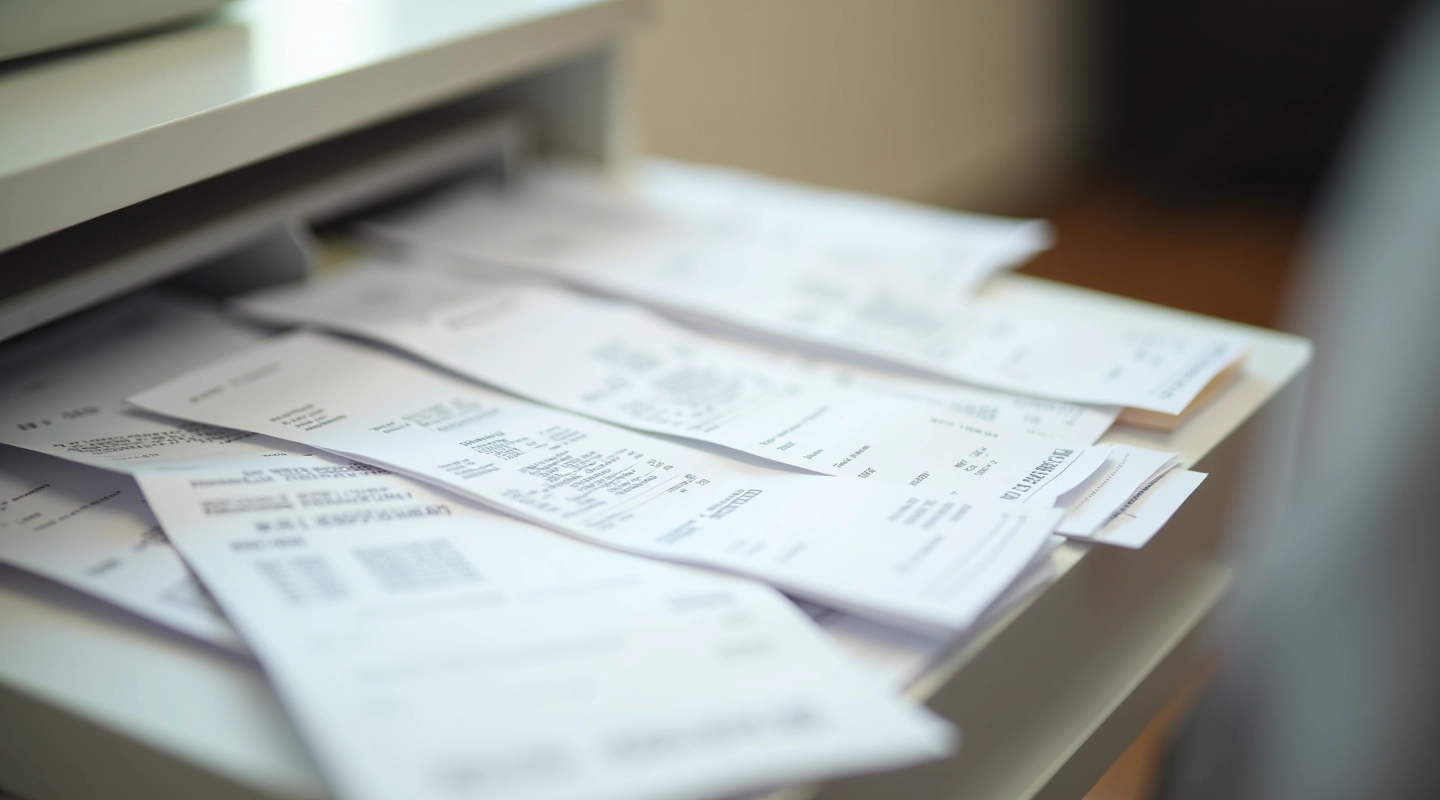
You've got a shoebox full of receipts. Maybe they're scattered across your desk. Maybe they're crammed in a drawer. Either way, you're not alone — most small business owners struggle with this exact problem. Here's the thing: it doesn't have to be complicated. We're not talking about hiring an accountant or buying expensive software. You just need a clear system that makes sense for your specific situation.
When receipts are organized properly, three things happen. First, you save time during tax season because everything's already sorted. Second, you catch duplicate expenses and spot unusual spending patterns. Third, you actually know where your money's going. That last part matters more than you'd think — most business owners can't tell you their biggest expense category without digging through paperwork for hours.
Vague categories like "miscellaneous" or "other" hide expenses. You can't manage what you can't see. That's why specificity matters — not for bureaucracy, but for actual insight into your business.
Before you create categories, spend 20 minutes looking at what you actually spend money on. Go through your last three months of receipts — don't try to be perfect, just scan them. Are you buying supplies constantly? How often do you pay for meals with clients? Do you have monthly subscriptions nobody remembers? Write down everything you see. The categories should emerge naturally from this audit, not from some generic template online.
This step matters because your category structure should match YOUR business, not the business next door. A consulting firm has different needs than a retail shop. A freelancer's categories look nothing like a restaurant's. By auditing first, you'll create categories that actually reflect how you operate.

You don't need 47 categories. Most businesses work with 8-12 main categories plus a small "miscellaneous" bucket for true one-off expenses. Here's what we typically see: Office Supplies, Equipment & Technology, Travel & Transportation, Meals & Entertainment, Professional Services, Software & Subscriptions, Utilities, and Insurance. Some businesses add Marketing or Client Expenses. The key is not overthinking this.
Within each main category, you can have 2-3 subcategories if needed. For example, under "Office Supplies" you might have "Paper & Printing" and "Furniture." But here's the trap: don't create subcategories for things that happen twice a year. Keep it simple. If you're constantly moving items between subcategories or wondering which one something belongs in, your system's too complicated. That defeats the whole purpose.
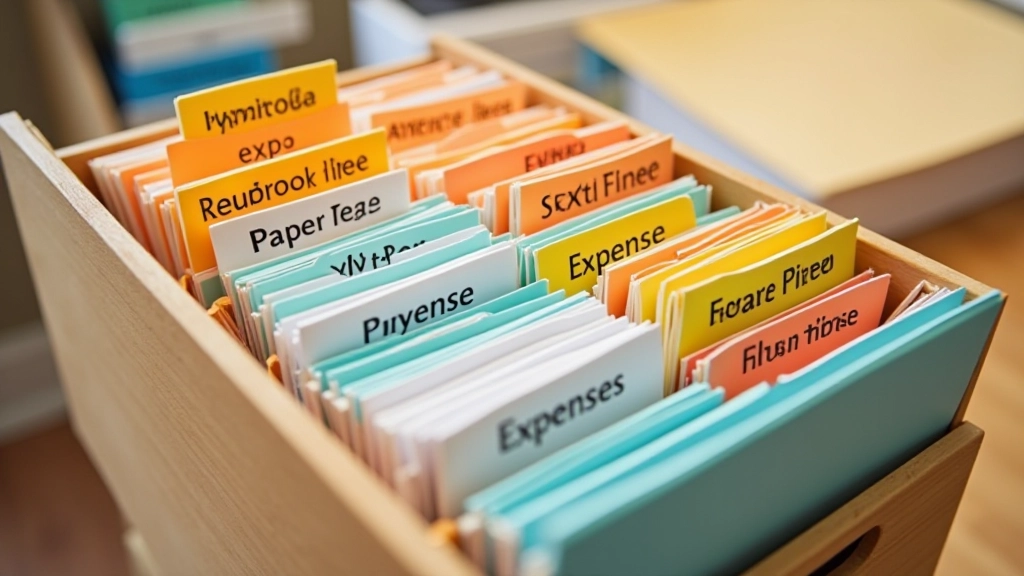
This is where you actually do the work. Go through everything you have — physically or digitally — and assign each receipt to a category. You'll probably find receipts from six months ago that you'd completely forgotten about. That's normal. Don't get discouraged. Most people can sort 50-100 receipts in about an hour if they work steadily.
One practical tip: if a receipt is illegible or you genuinely can't remember what it was for, make your best guess and move on. Don't spend 10 minutes trying to decipher a faded receipt. The goal is to get your system working, not achieve perfection on historical data. You'll be more careful going forward anyway.

When you have 25+ categories, you'll spend more time deciding where something goes than you'll save organizing. The system becomes a burden instead of a tool.
"Misc" and "other" swallow everything. Instead, be specific: "Office Equipment" is clearer than "stuff I bought." You'll thank yourself later.
Don't organize receipts once a year. Set aside 15 minutes weekly or bi-weekly to sort and file new receipts. It's way easier than a massive backlog.
Write the date and purpose on unclear receipts right away. A note like "client lunch - ABC project" takes 5 seconds and saves confusion later.
If you're constantly reclassifying the same type of expense, your categories aren't right. Adjust them. The system should feel natural, not forced.
Review your system every quarter. Does that category still exist? Should you rename something? A small adjustment takes 10 minutes and keeps things relevant.
This guide is educational information about organizing receipts. It's not tax advice or professional accounting guidance. Tax deduction rules vary by location and business type — what's deductible for one business might not be for another. We recommend consulting with a tax professional or accountant to ensure your categorization aligns with your specific tax obligations and local regulations. This system is designed to help you track and organize expenses, but proper tax compliance requires professional guidance.
You don't need to overhaul your entire system today. Start small. Spend 30 minutes auditing what you've got, create 8-10 categories that make sense for your business, then sort your receipts from the last month. Once you've got a month organized and filed properly, you'll see how the system works. From there, you can go back and clean up older receipts at your own pace.
The real benefit shows up after three months. You'll actually know where your money went. You'll spot trends — maybe you're spending way more on software subscriptions than you realized, or your office supply budget is out of control. Those insights come from organized data. That's when this system shifts from feeling like a chore to actually saving you time and money.
Start with a simple structure, stay consistent, and adjust as you go. You've got this.

Editorial Team
Written by the Receipt Flow editorial team, focused on practical, easy-to-follow guidance for expense management.
Learn how to configure automatic receipt capture and categorization. We'll walk you through the setup process step by step.

Don't know where to start with paperless expense management? This covers the basics for teams of 3-10 people.

Your scanner isn't picking up faded receipts? We've got solutions. This guide covers the most common problems and fixes.